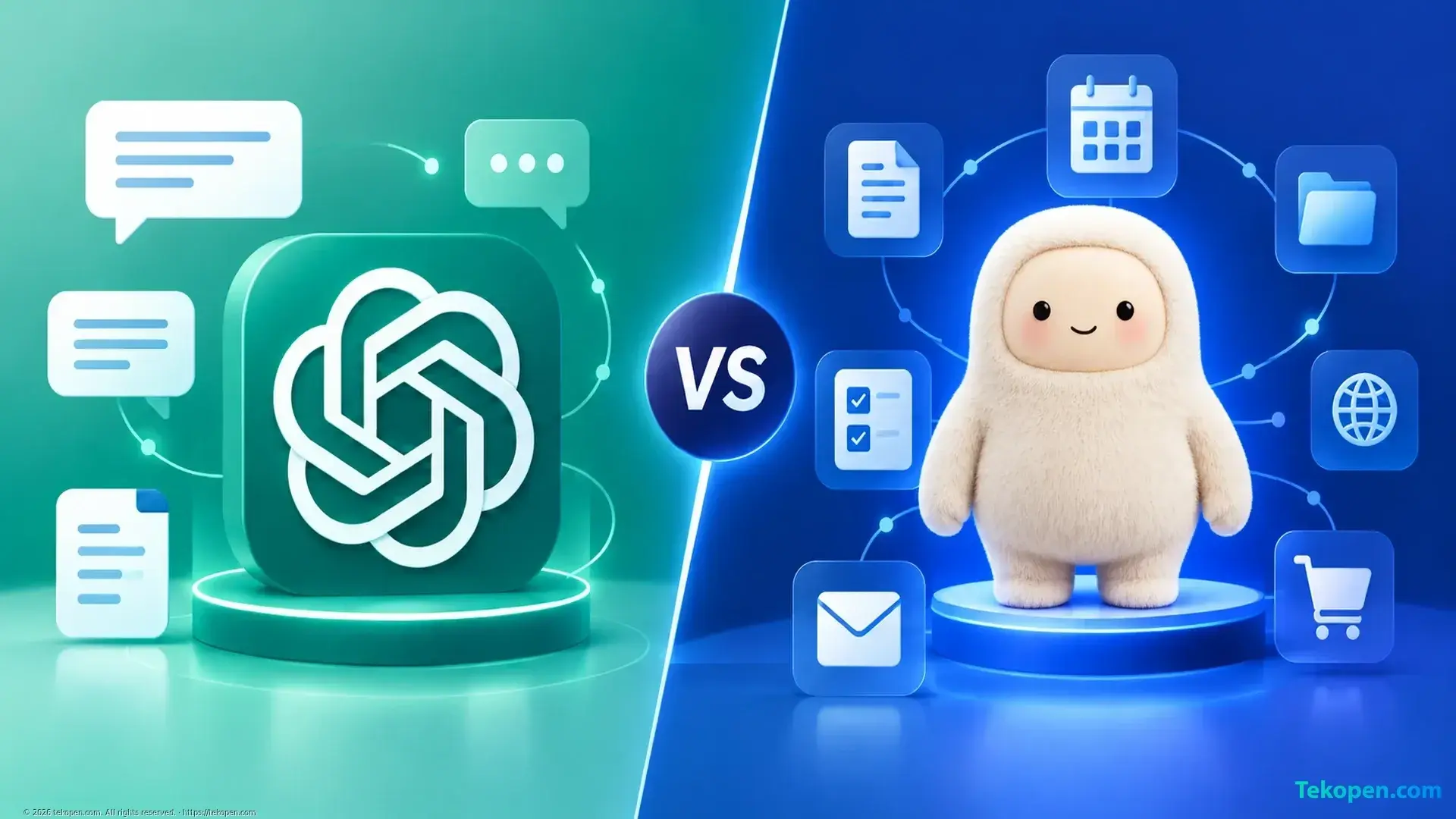
A comparison of ChatGPT and Muse AI should start with your needs: do you want to analyze a problem together with AI, or assign a goal for AI to keep working on? ChatGPT suits conversational work; Muse emphasizes a proactive agent operating across connected services.
Muse in this article refers to the agent described in Meta's documentation. The criteria include working methods, connections, control and availability, without ranking intelligence in the absence of comparable testing.
Differences in How They Work
Criterion | ChatGPT | Muse AI |
|---|---|---|
Getting started | Provide instructions and data, then refine the results | Assign a goal, connect services and set permissions |
Tasks | Drafting, explaining, analyzing and coding | Tracking goals and working across apps |
Execution | Depends on tools, integrations and the environment | Background work triggered by schedules or events |
Oversight | Review outputs and tool permissions | Logs, approvals and Sentinel |
Availability | Check the features available in your account | The business page lists the US and Canada, ages 18 and over |
ChatGPT: Discussion and Analysis
When editing an article, explaining a document or developing ideas, you can evaluate each response and then add instructions. The guide to writing ChatGPT prompts with clear requirements helps define output standards.
ChatGPT does more than respond one turn at a time. OpenAI's Jump Trading case study describes long-term research involving agents, controlled environments and human review. This enterprise deployment does not demonstrate that every account has the same capabilities.
Muse: Tracking and Taking Action
According to the introduction to Muse's design, the agent has a browser, file system and terminal; it can create documents, work in the background and respond to events. The focus is on continuing to pursue a goal.
Muse's page for small businesses lists connections to Notion, Shopify, Slack, Stripe and other services. This is an option worth considering for teams working across multiple apps, but you need to check which individual actions are supported.
Establish Control Before Automating
Meta's security documentation describes Sentinel as deciding which actions are permitted, separately from the main agent, while acknowledging that AI can still make mistakes. Logs and approvals do not guarantee absolute safety.
With both tools, limit data access and review consequential actions. You can learn more about the Sentinel control layer and long-term context management.
Choose Based on Your Actual Needs
Choose ChatGPT when your focus is content, learning, analysis or coding and you want to review each round of results.
Consider Muse when you need to track goals across apps and are ready to configure permissions. Users in Vietnam should not assume they can sign up: Muse's page lists availability in the US and Canada.
Before paying, try low-risk tasks; measure quality, time spent correcting errors and the number of interventions rather than simply comparing feature lists.
Frequently Asked Questions
Can ChatGPT and Muse Be Used Together?
You can use ChatGPT to prepare instructions, then delegate the appropriate parts to Muse. Do not assume there is a direct integration; transfer only the necessary data.
Which Task Should You Try First?
Create a draft from non-sensitive data without granting permissions to send, publish or make payments; check the results before expanding permissions.