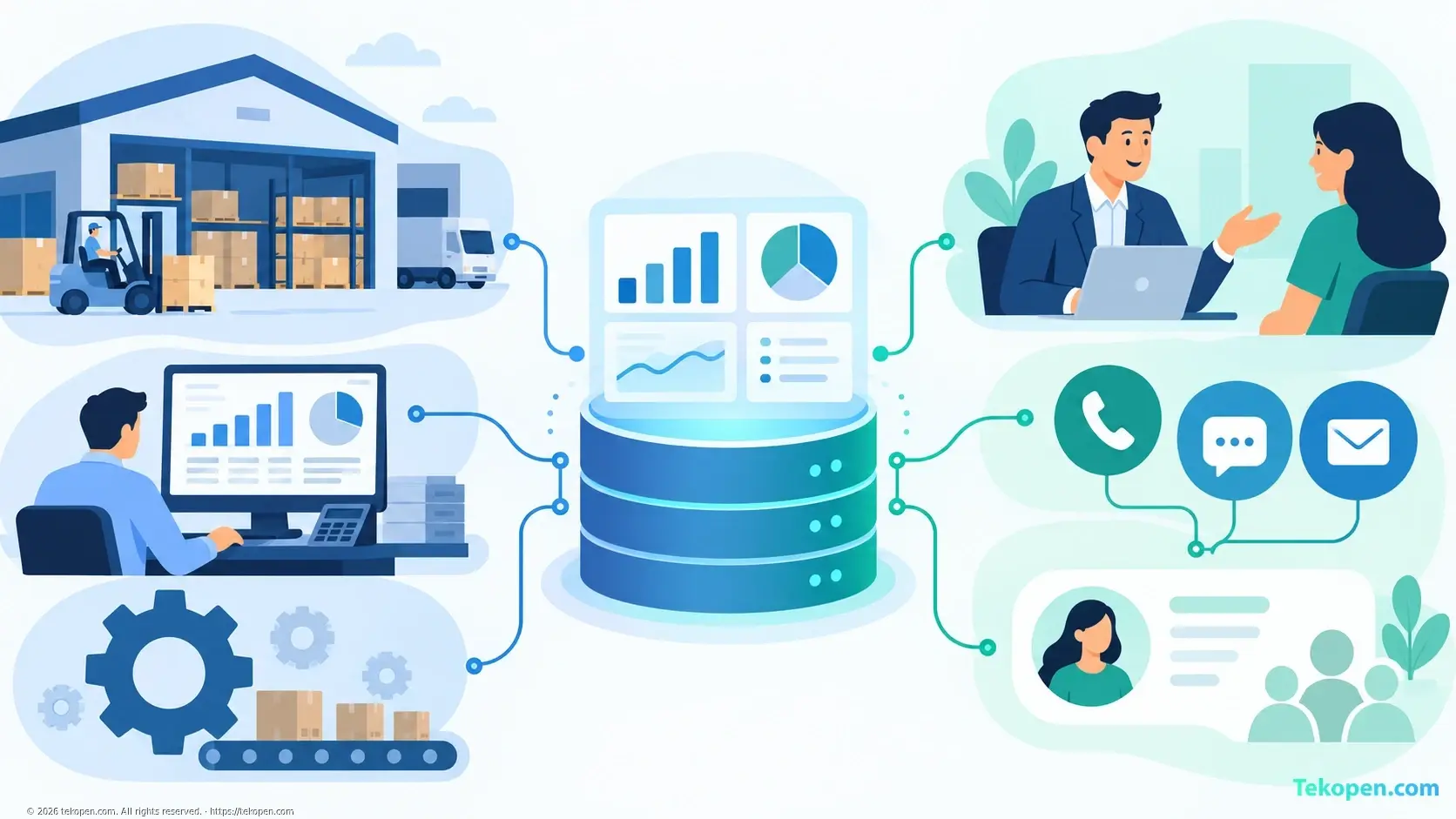
ERP manages business resources and operations; CRM manages customer relationships and sales processes. The two systems are not fully interchangeable. Your choice should be based on the bottleneck you need to address, rather than on finding the software with the most features.
How Do ERP and CRM Differ?
ERP, short for Enterprise Resource Planning, connects business functions such as accounting, purchasing, inventory and production, depending on the implementation scope. Its goal is to help departments work with consistent data.
CRM, short for Customer Relationship Management, focuses on customer information, sales opportunities, interaction history and after-sales support. Its goal is to help businesses track and develop customer relationships.
Criteria | ERP | CRM |
|---|---|---|
Focus | Resources and internal operations | Customers and sales |
Key data | Inventory, costs, transactions, purchasing | Contacts, opportunities, interactions, support requests |
Typical users | Accounting, warehouse, purchasing and operations management teams | Sales, marketing and customer service teams |
Common problems addressed | Scattered data, manual reconciliation | Overlooked customers, missing communication history |
Implementation scope | Often involves multiple business functions | Can start with a single sales team |
The boundaries are not absolute: some ERP systems include CRM modules, while CRM systems may support quotes or orders. You need to assess the actual functionality of each solution.
Assessing Strengths and Limitations
ERP: Strong in Operational Control
ERP is a good fit when a business struggles to reconcile data across sales, inventory and accounting. The system can help track transactions from end to end and reduce duplicate data entry if processes are designed appropriately.
The limitation is that implementation often requires standardizing data, aligning working practices across multiple departments and training users. You can learn more about how to choose and implement ERP.
CRM: Strong in Organizing Sales Activities
CRM is a good fit when customer information is scattered across spreadsheets, emails or personal notes. Staff can more clearly track who is responsible, the next steps and the communication history.
However, CRM does not generate revenue on its own. Its effectiveness depends on data quality and regular updates by staff. CRM also does not automatically replace accounting or inventory management functions. See CRM features and selection criteria to determine the scope you need.
Should You Implement ERP or CRM First?
Prioritize CRM if your business frequently overlooks inquiries, struggles to track sales opportunities or loses communication history when the staff member responsible changes.
Prioritize ERP if inventory records are inaccurate, orders have to be re-entered in multiple places or accounting staff spend too much time on reconciliation.
For example, a distribution company that receives many customer inquiries but follows up on few of them may need CRM first. If sales are strong but deliveries are often late because inventory data does not match, ERP may be more urgent.
When you need both, identify which data will be shared and which system will manage the master records. Integration capabilities need to be tested specifically, rather than relying solely on promotional claims.
Conclusion
ERP is suited to improving operations; CRM is suited to managing customers and sales. Before buying, ask the vendor to demonstrate a real business process, then assess how well the system meets your needs, implementation costs, integration and ease of use. The better system is the one that solves the right problem for your business.
Frequently Asked Questions
If ERP Includes CRM, Do You Need to Buy a Separate CRM System?
Not necessarily. Check whether the CRM module meets your business's needs for sales processes, access permissions, reporting and customer service. Only consider a separate CRM system if you have important needs that the current module cannot adequately meet.
Is CRM Always Cheaper Than ERP?
No. Costs depend on the number of users, modules, customization, integration and support. When comparing costs, include data migration, training and ongoing operations rather than looking only at subscription or licensing fees.
Do Small Businesses Need to Implement Both ERP and CRM Right Away?
It is not required. Small businesses can start with a system that addresses their biggest bottleneck, with a scope that is just sufficient for their needs. Implementing both only makes sense when operational and customer management needs are both clear, and someone is responsible for maintaining the data.
What Should You Check Before Connecting ERP with CRM?
Identify the data to be exchanged, the direction of synchronization, how duplicate records will be handled and access permissions. Test scenarios such as changes to customer information, order edits or connection interruptions to check how the systems handle them.