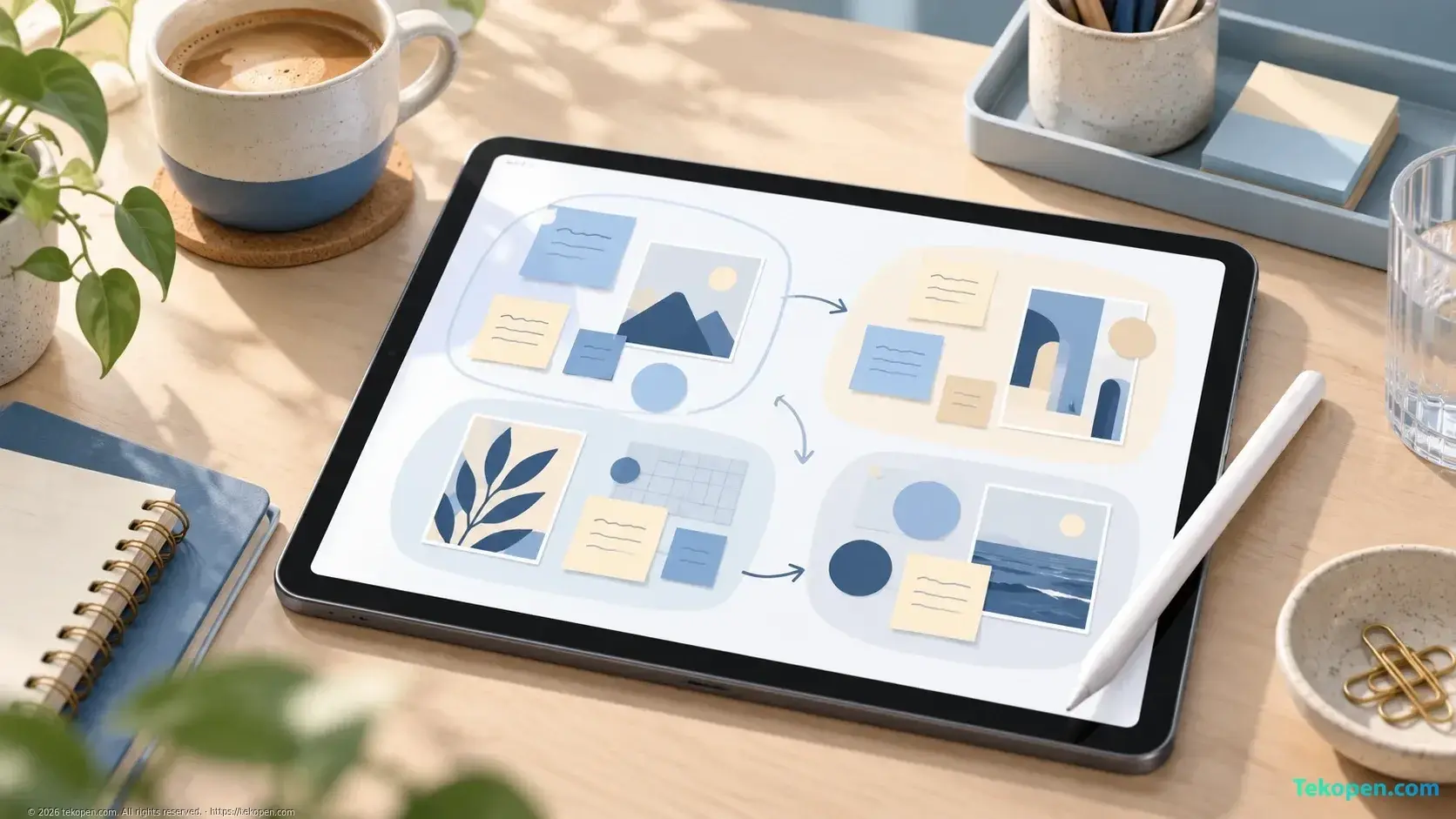
Apple announced updates to Freeform on September 29, 2026, adding folders to organize boards and invite others to collaborate, along with the ability to use Apple Intelligence Writing Tools to rewrite, proofread, and summarize handwritten notes. For teams that regularly use visual boards to brainstorm, the notable change is the ability to manage and process content after a discussion, rather than simply create more boards.
According to the Apple Creator Studio update announcement, Freeform also has boards that automatically adapt to Dark Mode, support for requesting access to shared files, and the ability to add content automatically using Shortcuts. Apple has not fully specified the device, language, and version requirements for each of these capabilities in the announcement.
Folders Put Board Organization at the Center
Freeform is a visual whiteboard app suited to bringing notes, images, and ideas together in one space. This approach is useful when content does not yet have a fixed structure, such as when developing campaign ideas or outlining a project.
However, as the number of boards grows, the need shifts from creating content to finding and grouping it. The new folders let users organize boards into collections. For a content team, this could be a way to group boards by project, client, or topic, rather than keep every idea in a single list.
Apple also says users can invite others to collaborate. The announcement does not describe in detail how access permissions apply across folders and individual boards, so it is not yet possible to confirm that sharing a folder automatically grants the same permissions for all its contents.
The change is meaningful at the workflow level: idea boards can be organized into long-term working documents, rather than serving a single discussion and then becoming difficult to find again.
Apple Intelligence Processes Handwritten Content
Another addition is the ability of Writing Tools with Apple Intelligence to rewrite, proofread, and summarize handwritten notes in Freeform. This is a more specific function than simply adding a new content creation tool: the input already exists on the board, and AI helps turn it into a more readable or concise form.
In a work setting, handwritten notes may contain disconnected ideas, incomplete sentences, or several ways of expressing the same issue. Summarization can help consolidate the material, while rewriting and proofreading help prepare content for sharing.
Still, a summary is not the same as confirmed meeting minutes. Users still need to check proper names, numbers, deadlines, and important decisions against the original notes. Ideas under consideration also need to be distinguished from agreed-upon tasks.
This principle is similar to setting clear requirements and checking the output when using ChatGPT: fluent text alone does not prove that the content is accurate. Apple's announcement provides no metrics evaluating the quality of handwriting recognition or summarization, so there is not yet a basis for drawing conclusions about effectiveness for different types of notes.
Collaboration and Automation Features Added
Freeform also lets users request access to collaborate on shared files. This feature addresses a common obstacle in collaboration: recipients have a link but do not yet have permission to open the file or help edit it.
Apple also announced the ability to add content automatically using Shortcuts. In principle, this offers a way to connect boards with repetitive actions in a workflow. However, the announcement does not list the supported content types, actions, or automation templates. It therefore cannot be taken to mean that all documents can be imported automatically or that full synchronization with other apps is supported.
Boards automatically adapting to Dark Mode is a change to the visual experience. It is not a project management feature, but it may help the workspace better match the interface mode the user has chosen.
Freeform Still Differs from Task-Tracking Tools
The new additions make Freeform better suited to preserving and developing ideas as a team. However, the announcement does not indicate that the app has added a system for task assignments, deadlines, or work statuses comparable to a task management tool.
This distinction matters for small teams: a board can show the connections between ideas very well, but it is not enough to answer who is responsible or how far the work has progressed. Those needs are covered more specifically in how to organize work with boards, lists, and cards in Trello.
The Freeform update is part of a broader round of changes to Apple's creative and productivity apps. The article on Apple Creator Studio highlights for content teams provides that context. For Freeform specifically, the missing information includes a precise availability schedule, the scope of language support, and the requirements for using each Apple Intelligence feature. The fact that the apps are mentioned together in one announcement is also not enough to conclude that every new Freeform feature requires an Apple Creator Studio subscription.
Frequently Asked Questions
Does the announcement confirm that Writing Tools supports handwritten notes in Vietnamese?
No. The cited announcement does not list the supported languages for this feature. Users need to check Apple Intelligence requirements and the actual capabilities on their device before incorporating it into their workflow.
Can Shortcuts automatically add every type of document to Freeform?
There is not yet a basis for confirming this. Apple announced the ability to add content automatically using Shortcuts but did not provide a complete list of supported data types and actions.