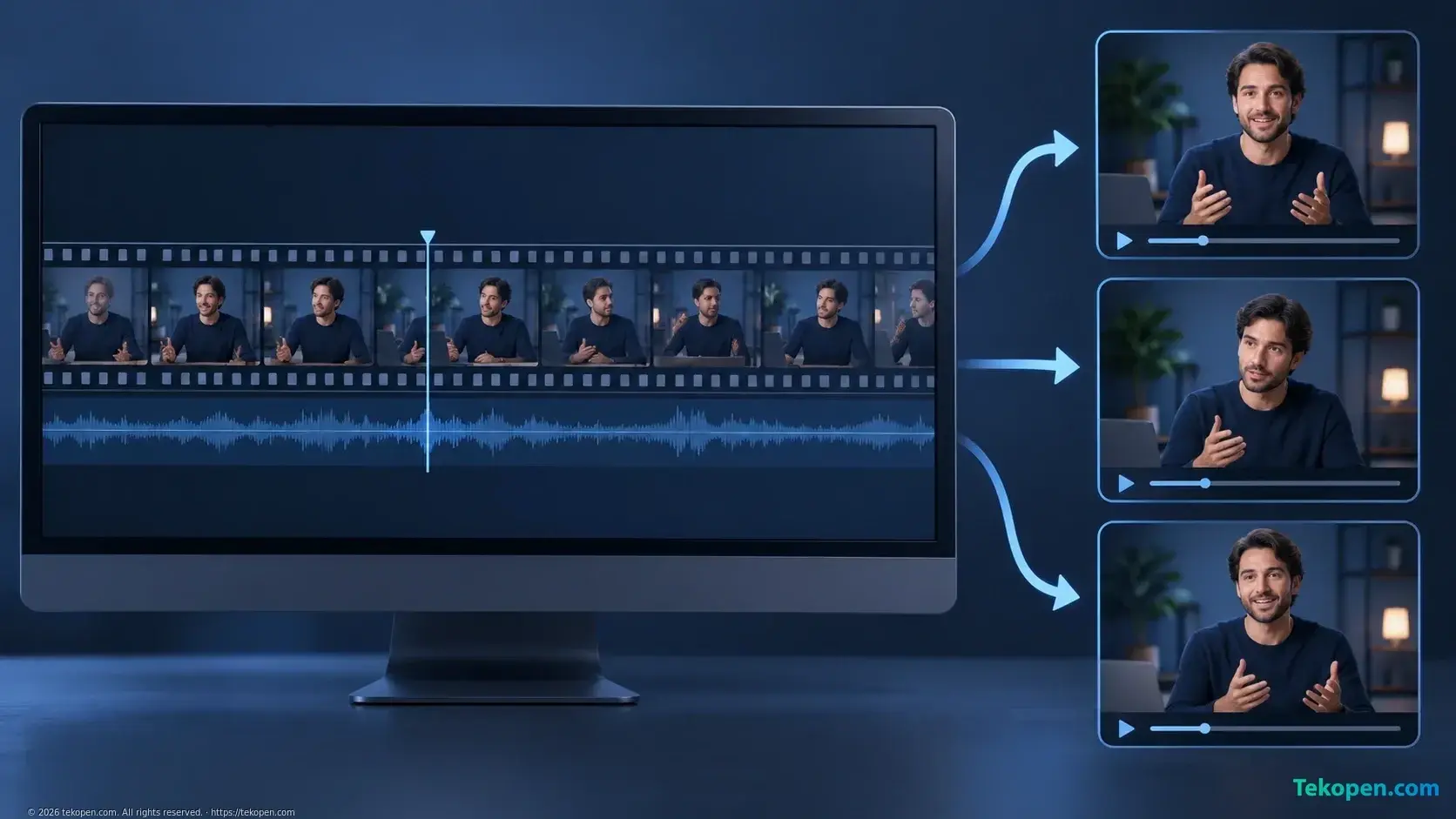
Grok Bot Marketplace currently lists Clip Bot, a bot template described as being able to find noteworthy sections in long recordings and turn them into short clips with subtitles. In the same Marketing category, Stills & Clips Desk and Video Edit Desk support related tasks such as extracting images, creating short videos and exporting files in platform-specific dimensions.
For content teams, the notable point is the specific scope of the work: processing existing material to produce outputs for distribution, rather than generating new videos from prompts. However, the directory pages do not provide launch dates, pricing or quality test results for individual templates.
Clip Bot places transcripts and timestamps alongside each clip
According to Grok Bot Marketplace’s Marketing category, Clip Bot, provided by This Week in AI, accepts input from uploaded files or links. The description says the bot finds highlights in a long recording and cuts them into short clips with subtitles, along with a transcript and timestamps for each clip.
These two elements matter during content review. Transcripts help editors check the wording, while timestamps provide reference points for comparison with the source material. A statement may sound reasonable on its own but take on a different meaning without the question or explanation immediately preceding it.
Still, the description does not clarify the criteria for identifying “highlights.” These may be attention-grabbing sections, but not necessarily the ones best suited to the communication goals. In an interview on a specialist subject, a clip’s value also depends on how fully it presents the argument and whether it can be understood correctly when viewed on its own.
The segment-selection feature should therefore be understood as editorial assistance, not yet as evidence that the bot can independently decide which content should be published.
Three templates handle different tasks
Alongside Clip Bot, the directory also includes Stills & Clips Desk by Matt Palmer. This template is described as extracting still images, thumbnails and short clips from footage, while resizing them for their intended use. It also helps clean up screenshots for documentation and write image captions and alt text.
That scope goes beyond selecting a spoken excerpt. From the same footage, a content team may need illustrations for an article, thumbnails and clips for social media. The Stills & Clips Desk description brings these outputs together within a single material-processing task.
Video Edit Desk by X Freeze, meanwhile, is presented as taking uploaded footage and user notes to create trimmed clips, burned-in subtitles and exports in platform-specific dimensions. The directory explicitly states that this template does not overwrite the original.
The descriptions show a division between selecting content, extracting assets and preparing exports. They do not demonstrate that the three templates can automatically work together in a shared pipeline, nor do they indicate that users need to install all three to complete a video.
The value lies in repurposing existing footage
A discussion, webinar or product introduction video may contain plenty of material suited to different channels. The time-consuming work often involves reviewing the recording, marking the sections to extract, checking what was said and then preparing each output version.
The templates above target that work. If they perform as described, they could help produce drafts for editors to review, rather than requiring users to start each output from a long file. The supplied source contains no data to establish the actual time savings.
This approach differs from the AI video creation workflow with Google Flow: one uses existing material, while the other starts with an idea and the individual scenes to be generated. The distinction matters when a business wants to preserve the visuals, speech and information from an actual event.
Filming still determines input quality. Hard-to-hear audio, shaky visuals or unsuitable composition will limit the potential for reuse. The shooting controls in Final Cut Camera belong to the work done before post-production and cannot be replaced by clip-cutting features alone.
Preserving the original file does not mean the content has been approved
Video Edit Desk’s commitment not to overwrite the original is a useful safeguard: users still need the source for comparison and re-editing when a cut does not meet their requirements. However, preserving the file addresses only part of the issue.
Subtitles may need to be checked for proper names, terminology and numbers. Reframing also needs review to avoid losing the subject or important information. For internal meetings and customer interviews, image-use rights and the scope of material sharing are separate issues that video cutting does not resolve on its own.
The directory does not fully describe the pre-publication approval mechanisms for all three templates. The ability to create clips should therefore not be taken to imply permission to post content independently. This is also a central distinction in determining when an AI agent needs to ask permission: creating a draft and releasing it externally are two different actions.
Information the directory has yet to clarify
The source currently confirms that the bot templates are listed and describes their stated task scope. There is not yet sufficiently detailed information on file-size limits, video duration, input formats, Vietnamese subtitle accuracy or processing times.
The pages also do not provide comparisons with dedicated video editing software or terms for storing and deleting footage. For business content teams, these factors directly affect decisions about putting real material into the system. The current descriptions suggest a noteworthy option for post-production assistance, but are not enough to assess output quality or suitability for a specific publishing workflow.
Frequently asked questions
Can these templates be confirmed to support Vietnamese subtitles well?
Not yet. The directory mentions subtitles but provides no language list or Vietnamese evaluation results. Testing on representative material is needed, especially sections containing proper names, terminology and multiple speakers.
Do clip-cutting templates replace video editing software?
The source is not sufficient to reach a conclusion. The descriptions focus on selecting segments, cutting clips, extracting images and preparing exports; they do not fully detail tools for editing, color grading, audio processing or post-production project management.